Multi-Channel Support: Integrating WhatsApp and Web Chat
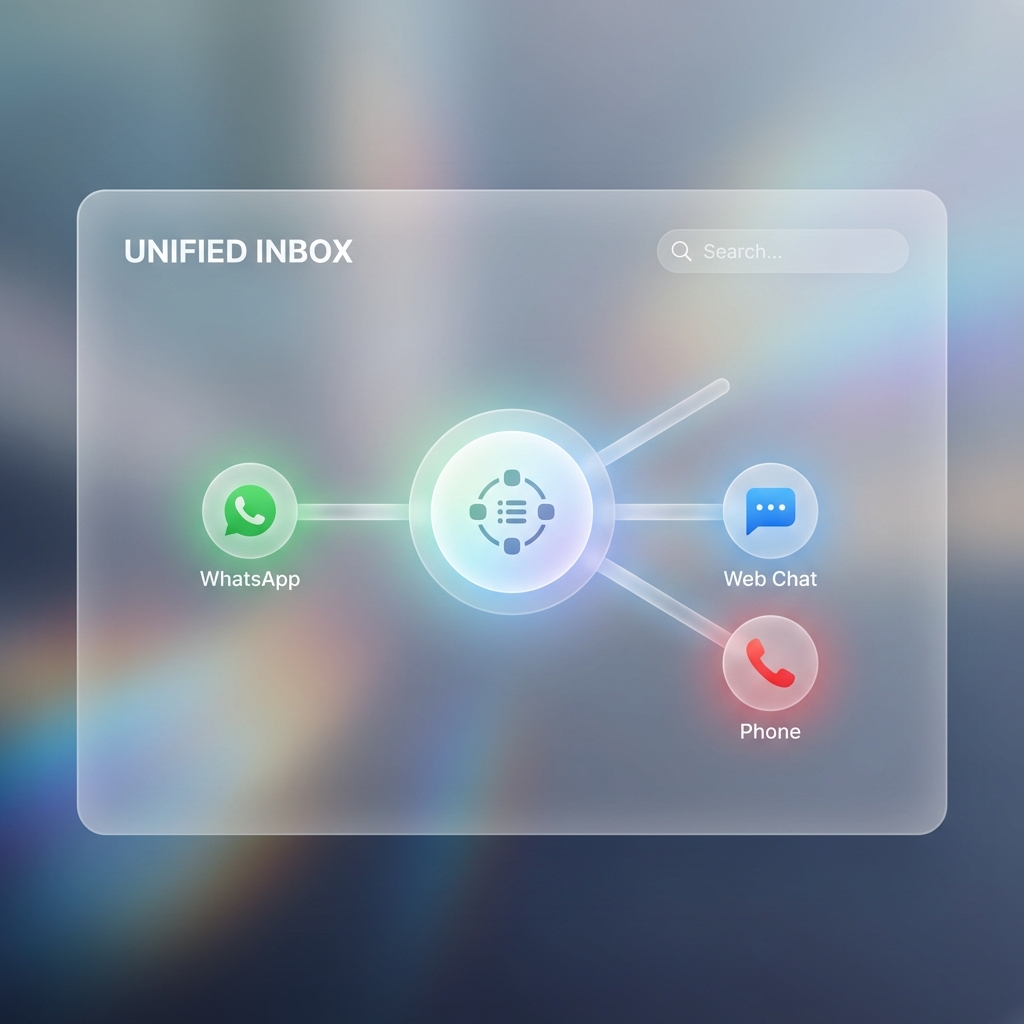
Your customers exist in a fragmented world. They might find you on Google Maps (Web Chat), save your number for later (WhatsApp), or call you when they're in a hurry (Voice). The biggest pain point for businesses is maintaining state across these silos.
VerlyAI introduces the concept of Unified Agent State. This means your agent isn't tied to a channel; it's tied to the user's identity.
The "Write Once, Run Everywhere" Workflow
With VerlyAI, you configure your agent's logic once. You define its knowledge base (your PDFs, website links) and its tools (your CRM, database).
Then, you simply toggle on the channels you want:
- Web SDK: Copy-paste a script tag to your site.
- WhatsApp: Scan a QR code to link your business number.
- Telephony: Provision a SIP trunk or phone number.
Seamless Handoffs
Here is a real scenario our platform enables: A user chatting on your website about a product needs to leave for a meeting. They say, "Can you text me the details?"
The agent, recognizing the intent, can trigger a WhatsApp message to the user's phone number with the summary. If the user replies on WhatsApp an hour later, the agent has the full context of the web chat. This isn't just "multichannel"—it's omnichannel continuity.