2-Step Verification
Bring more consistency, speed, and confidence to your team with 2-Step Verification.
Jan 20, 2026 · 5 min read
Help Desk Security featuresVerly
Open feature
Bring more consistency, speed, and confidence to your team with Single Sign-On (SSO).
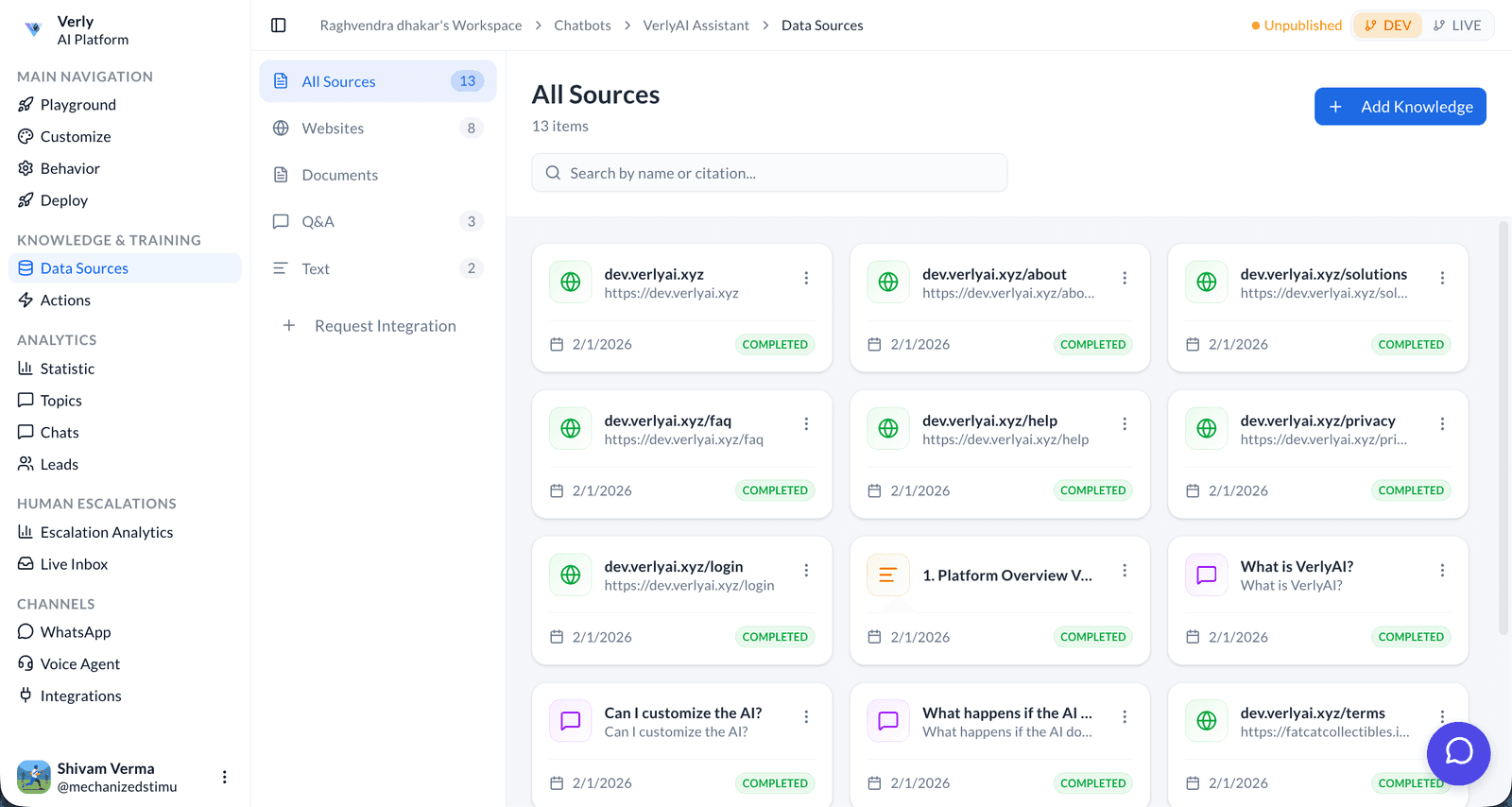
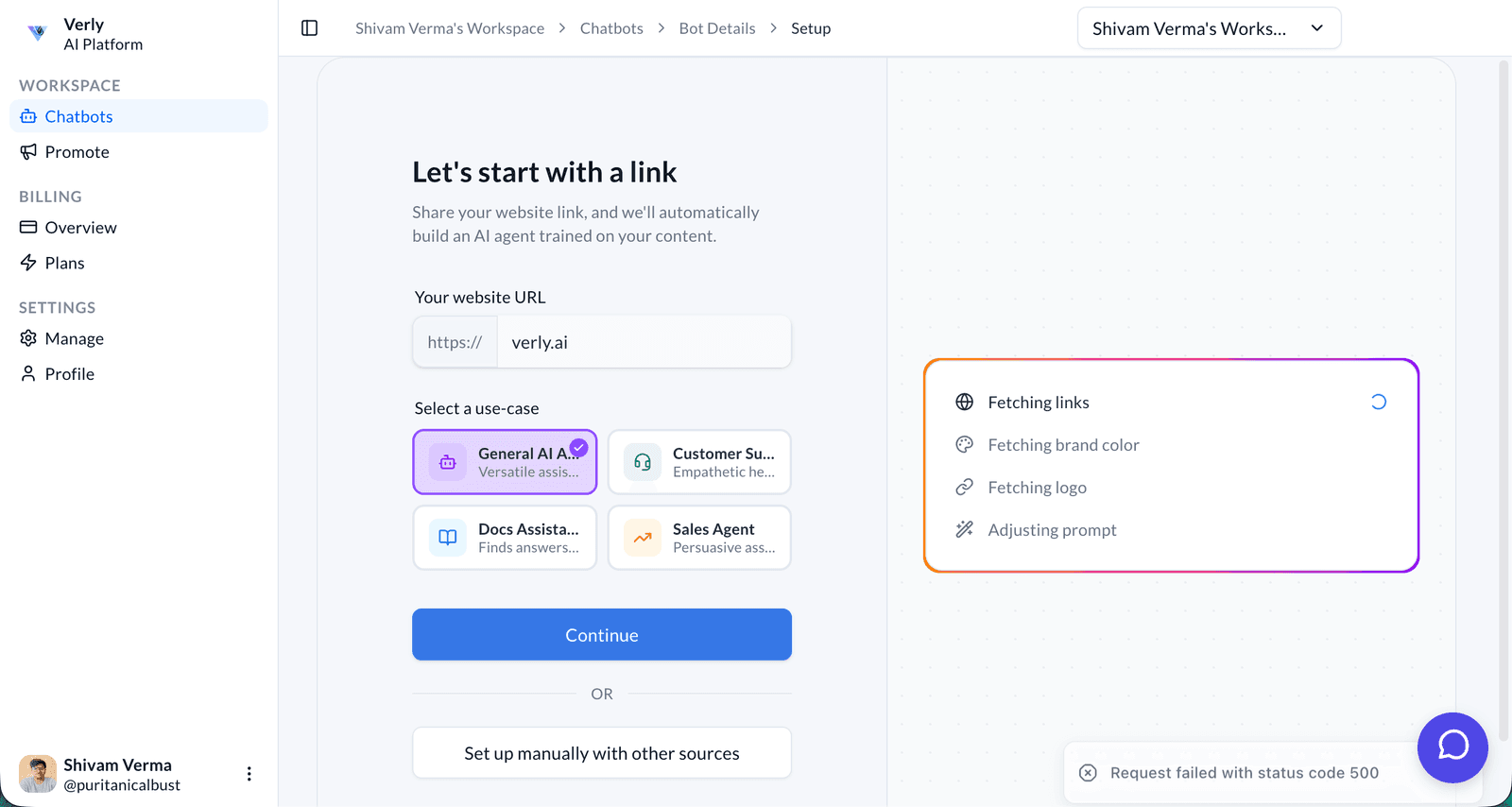
Single Sign-On (SSO) helps modern support teams security capabilities including access control, encryption, verification, and enterprise sign-on. It gives agents clearer workflows, stronger consistency, and a faster path to high-quality customer outcomes.
Inside Verly, single sign-on (sso) fits naturally into the broader help desk security features experience. That means your team can use it without adding unnecessary operational overhead or disconnected tools.
Single Sign-On (SSO) is part of Verly's help desk security features toolkit. It helps teams security capabilities including access control, encryption, verification, and enterprise sign-on so agents can move faster, customers get clearer outcomes, and operations stay easier to manage at scale.
Workflow hint: Open the relevant support workflow in Verly, choose Single Sign-On (SSO), review the suggested action or configuration, and apply it where your team needs more speed or consistency.
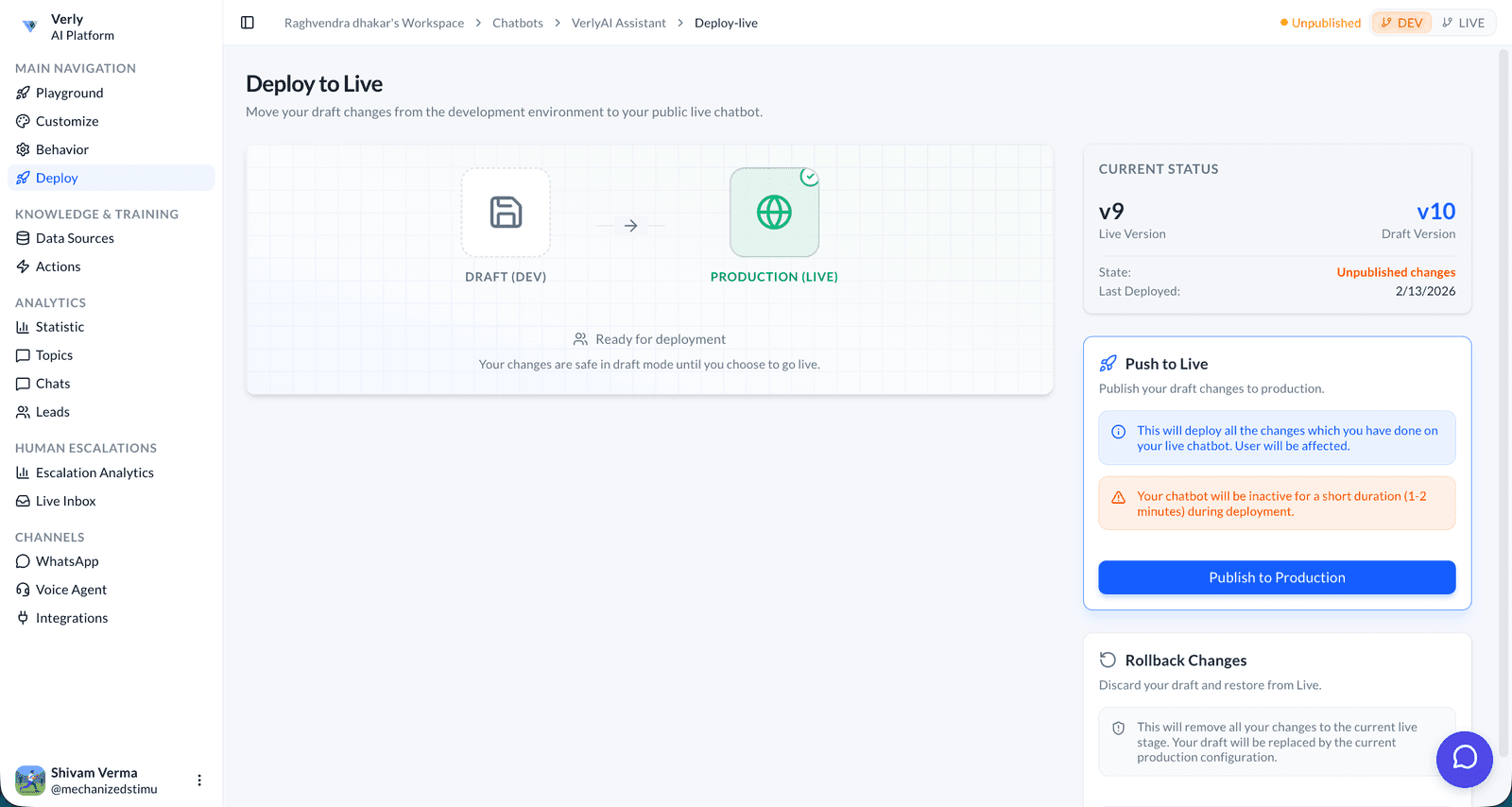
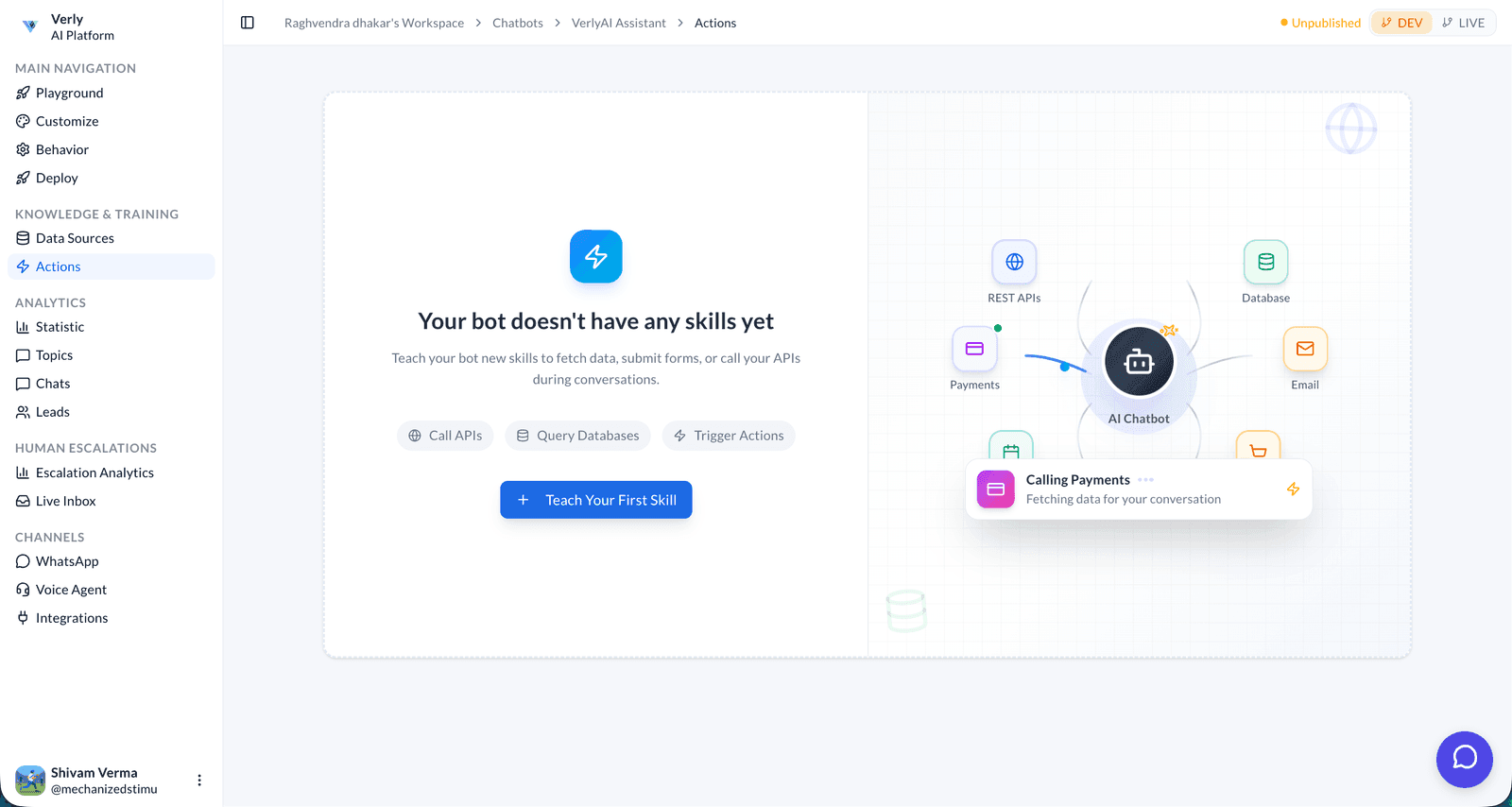
Single Sign-On (SSO) works inside the broader Verly product flow for help desk security features.
Teams can use it to improve execution quality, reduce repetitive work, and create a smoother customer support experience.
Single Sign-On (SSO) helps your team create a clearer and more repeatable process inside help desk security features.
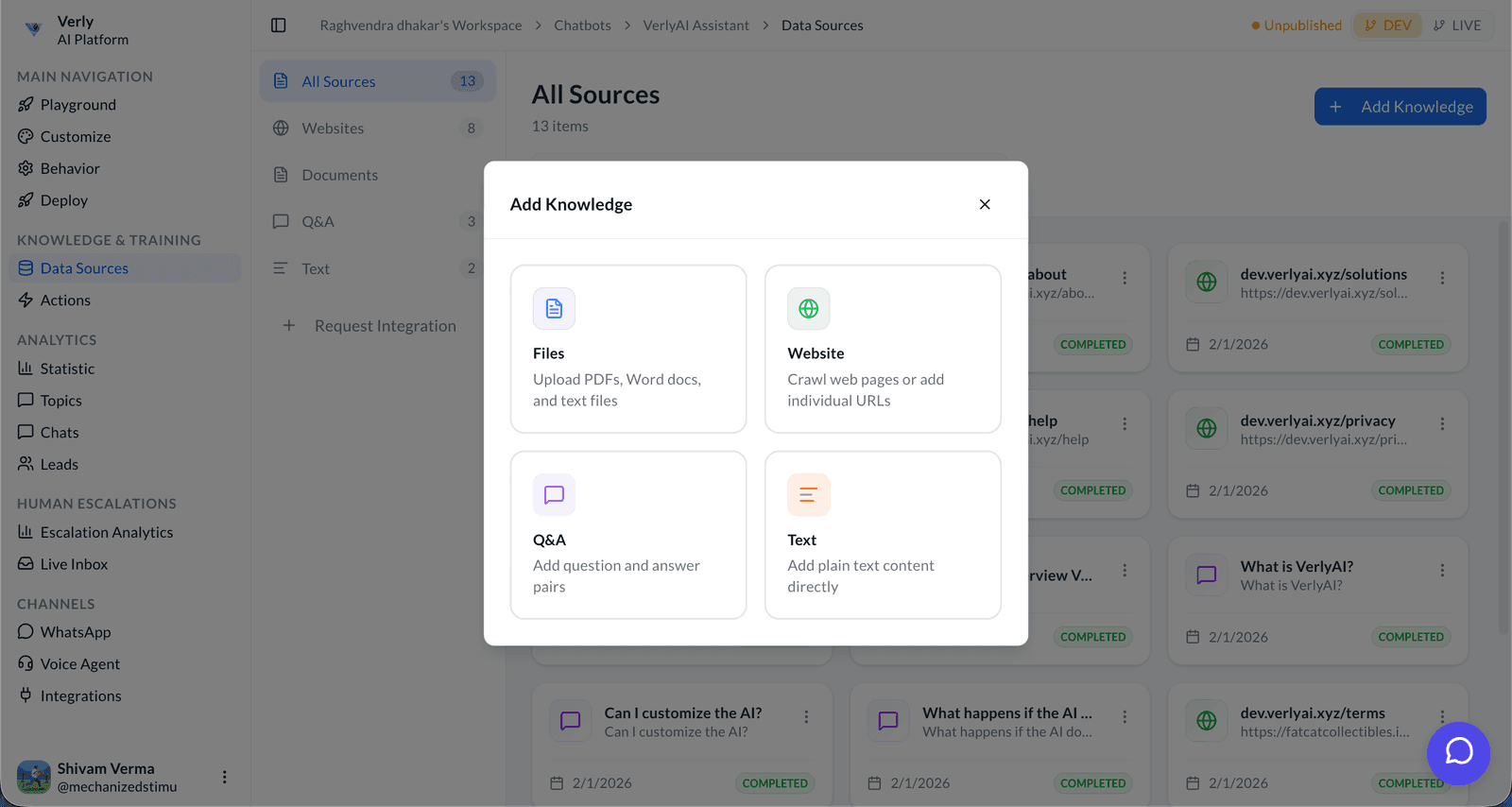
Use single sign-on (sso) to reduce friction, move work forward faster, and keep support quality high during busy periods.
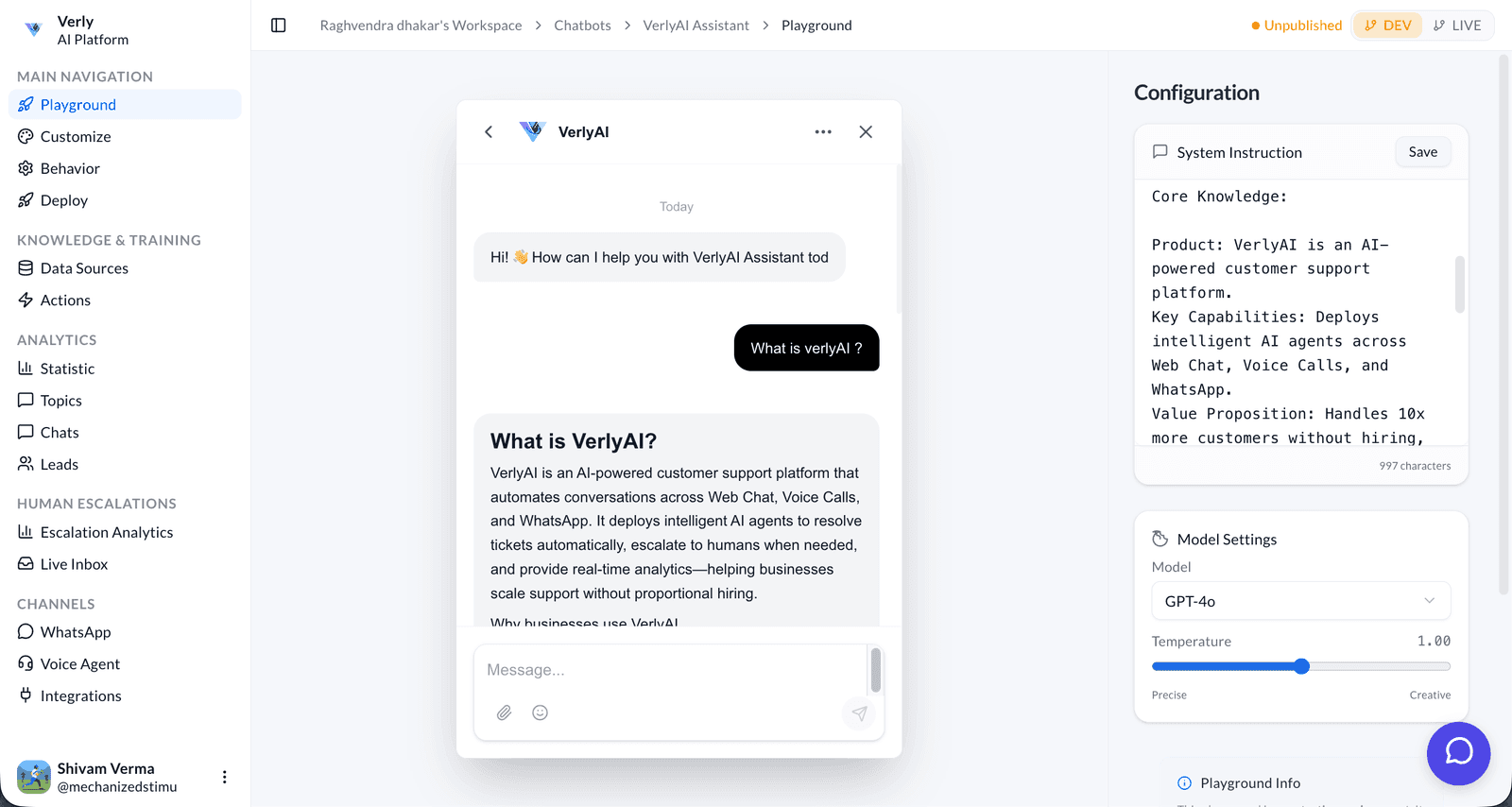
Single Sign-On (SSO) helps customers receive more timely, consistent, and confidence-building support interactions.
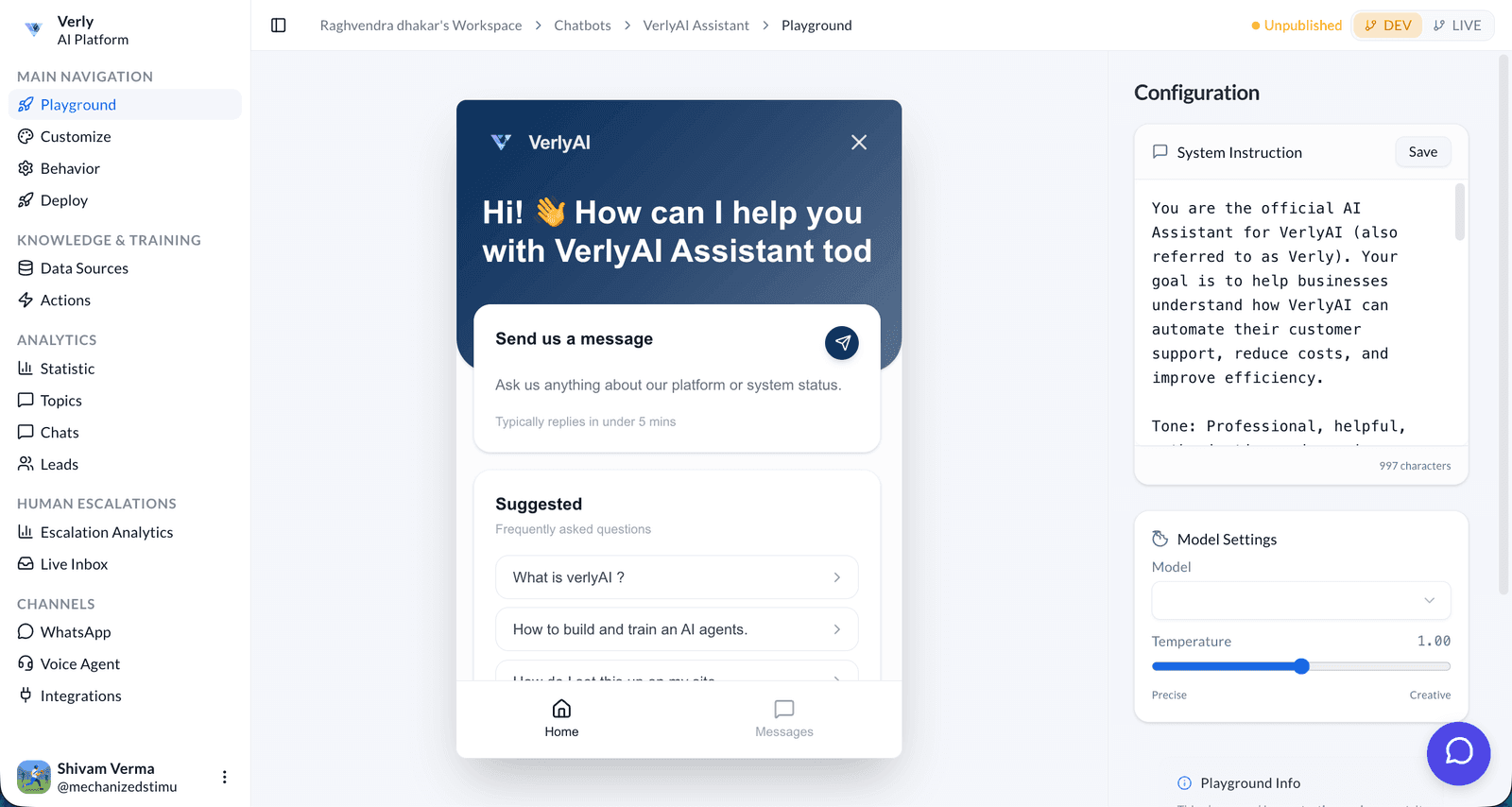
Single Sign-On (SSO) is one of every capability in Verly. One agent across voice, WhatsApp, and web chat — branched, previewed, and rolled back like software.
Bring more consistency, speed, and confidence to your team with 2-Step Verification.
Bring more consistency, speed, and confidence to your team with Ban IPs.
Bring more consistency, speed, and confidence to your team with GDPR.